What you will be looking at
Four screens, captured from the running app
These are screenshots of a real account, not drawings of one. The names and the figures belong to a demo clinic we set up ourselves, so nothing here is a customer and nothing here is a claim about results.
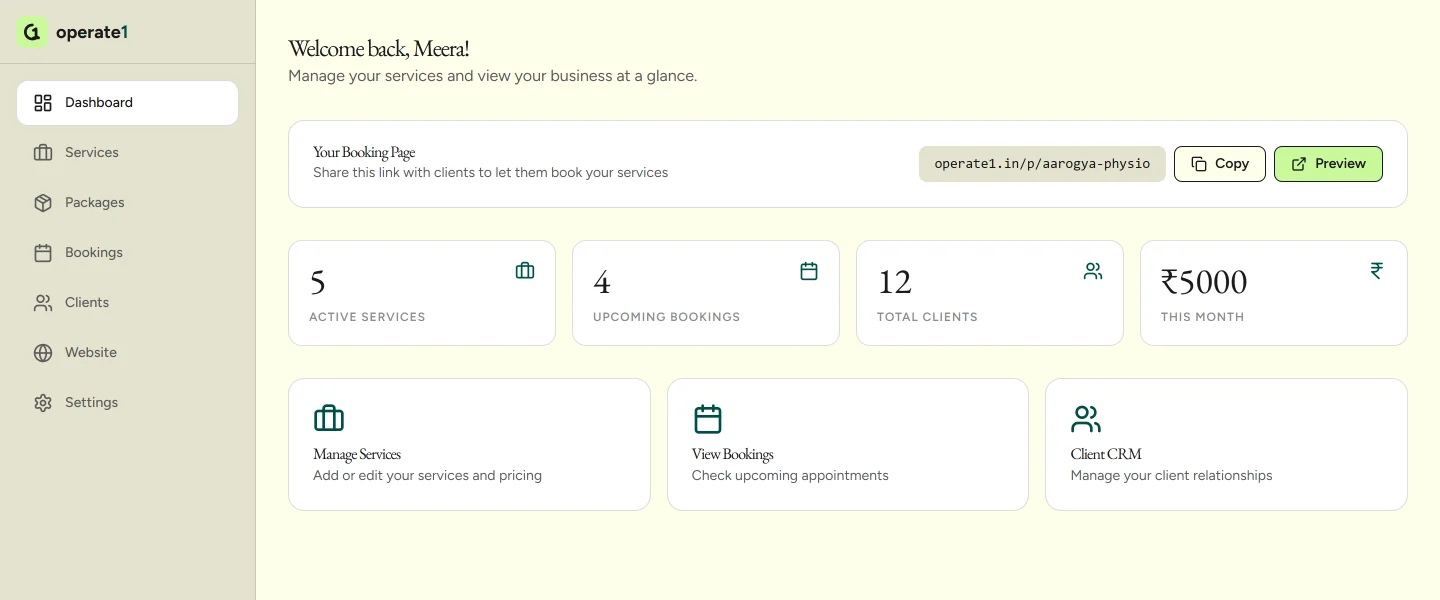
The dashboard on the morning you sign in
Services live, bookings coming, clients on file, and what has been collected this month. Your booking link sits at the top, ready to copy.
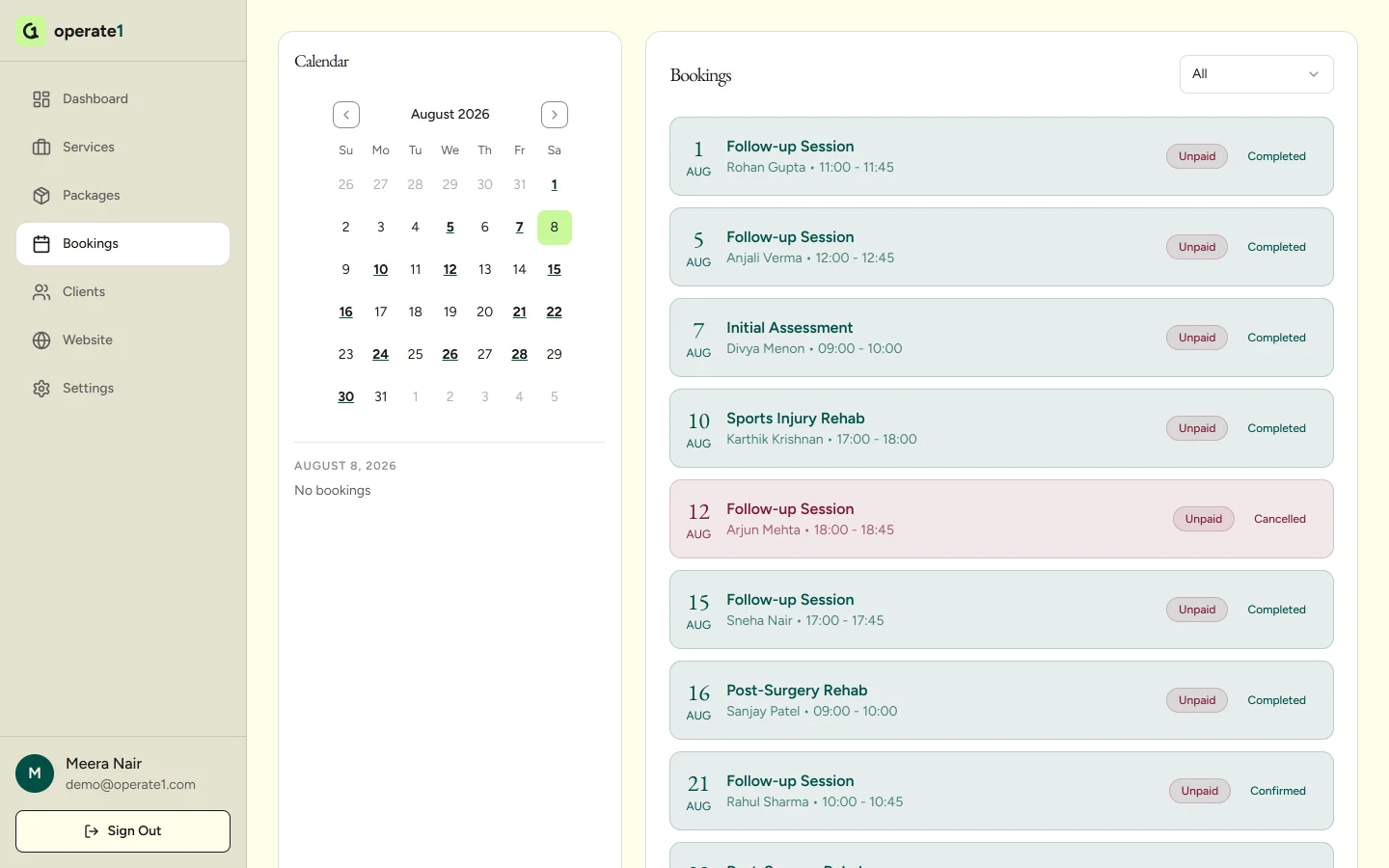
Bookings, with the month beside the list
Every session with its client, its service, its time and whether it has been paid. Cancellations stay on the record instead of vanishing.
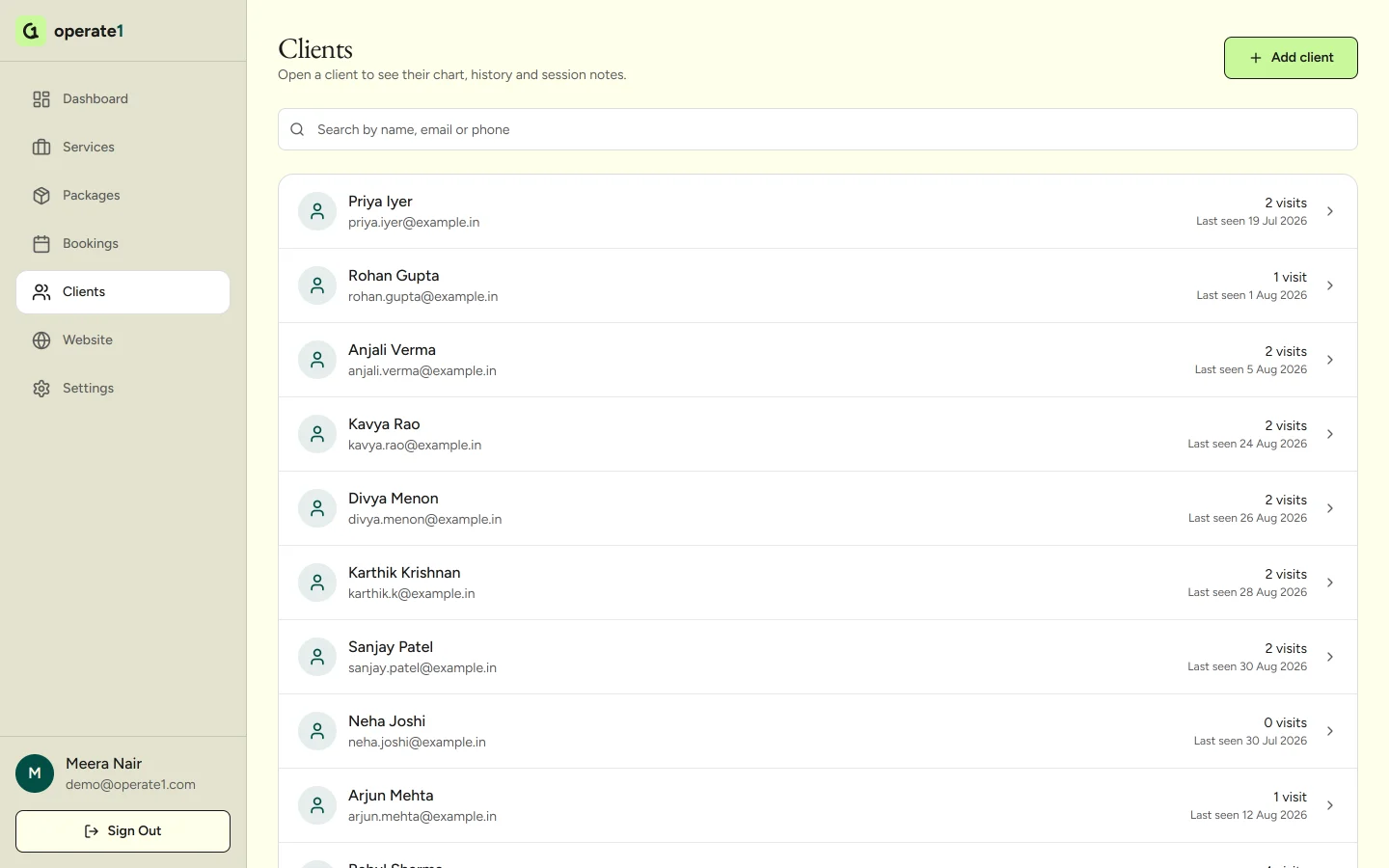
One record per client, not a contact list
Visits counted, last seen dated, searchable by name, email or phone. Open one and you get the history behind the number.
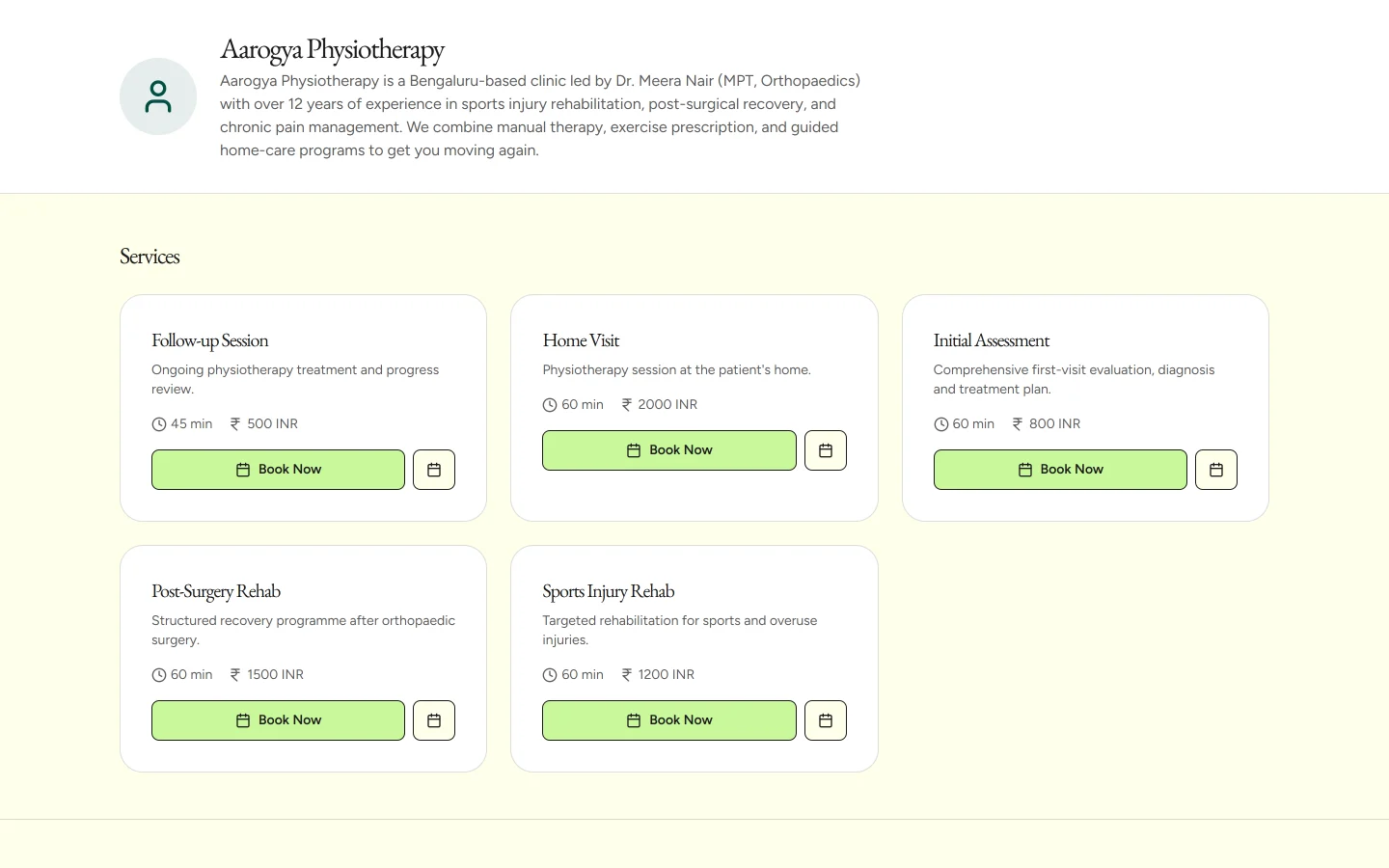
The page your client actually sees
Your services, your durations, your fees, on your own page. No marketplace, no other practitioners listed underneath you.
Run the demo yourself, in this order
Create the account
Email and a password. No card, no sales call, no scheduling link to fill in first.
Add twenty client records
Type them, or paste them from the sheet you already keep. Twenty is enough to see whether the record actually holds what you need it to.
Set your availability and one service
Your open hours, the buffer you want between sessions, and what one session costs.
Publish the booking page and book yourself in
Open your own page at operate1.com/p/your-name on your phone and take a booking through it. This is the whole product in about ten minutes.
If you would rather have someone on the call
The walkthrough worth having is not a product tour. It is a screen share with your own spreadsheet open, going through what moving eight years of records would actually involve, what breaks, and what stays where it is. The founder runs it.
Bring whoever has to live with the software. If your receptionist is the one at the front desk every morning, she should be on the call, because she is the person who decides whether this gets used.
If it turns out we are the wrong tool for you, we will say so on that call and name who is a better fit. We do not do ABDM or ABHA linking, e-prescriptions, lab modules, or inventory.